

Overview
Discover applications built with Wails
 BulletinBoard
 CFN Tracker
 Clave
Clave
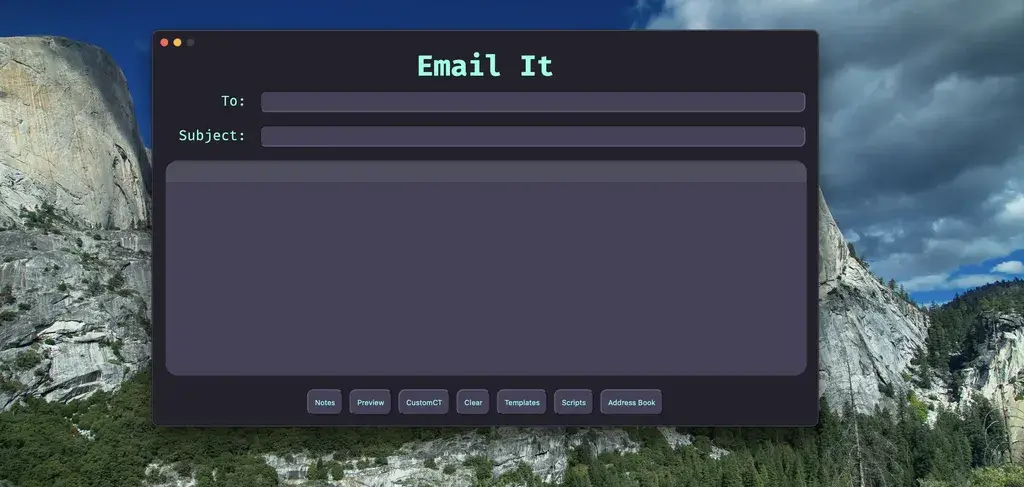 EmailIt
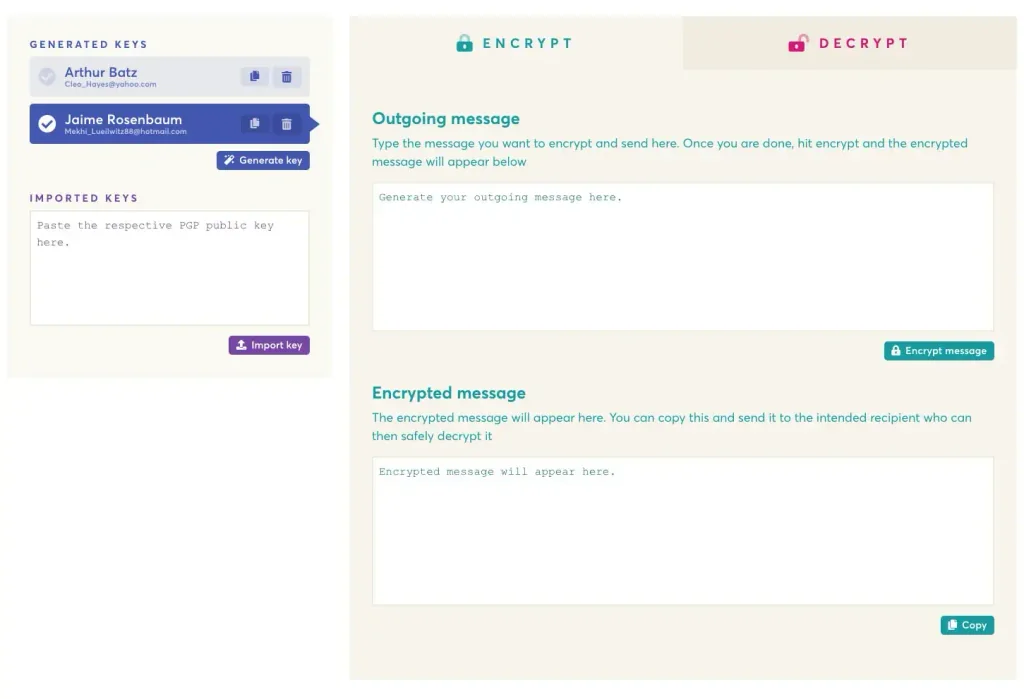 EncryptEasy
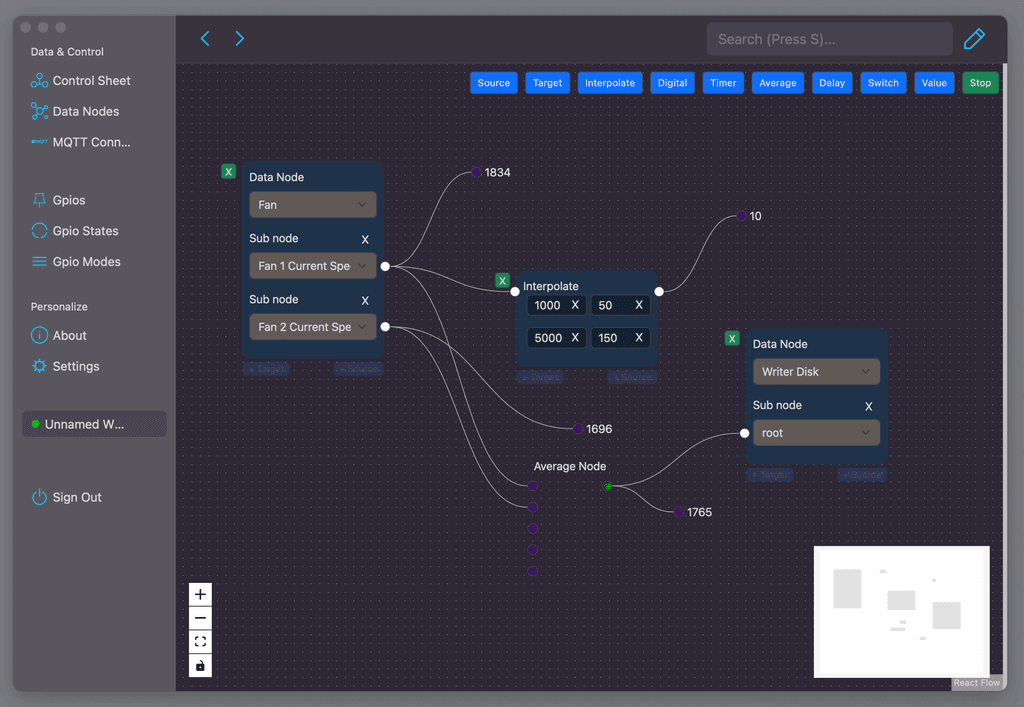 ESP Studio
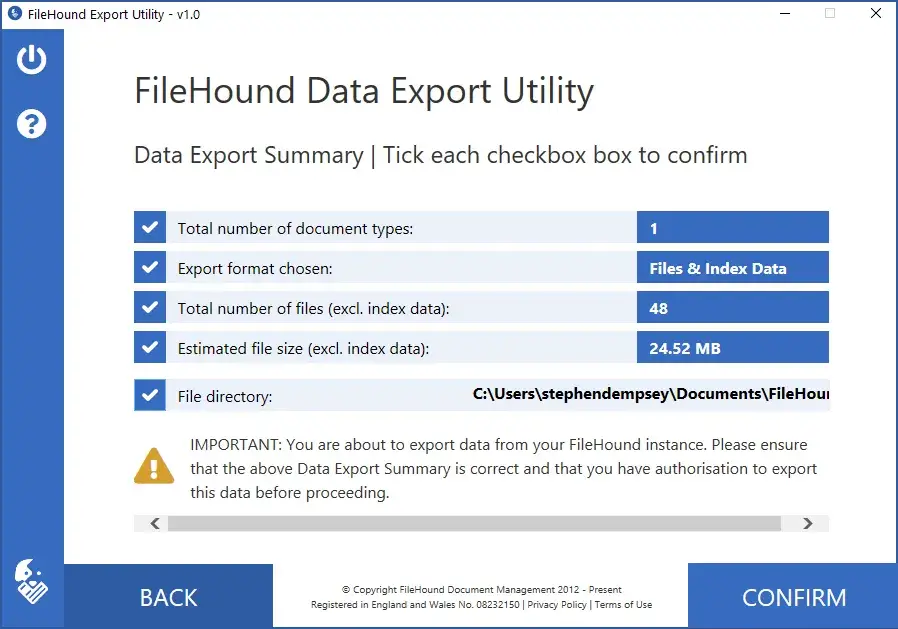 FileHound Export Utility
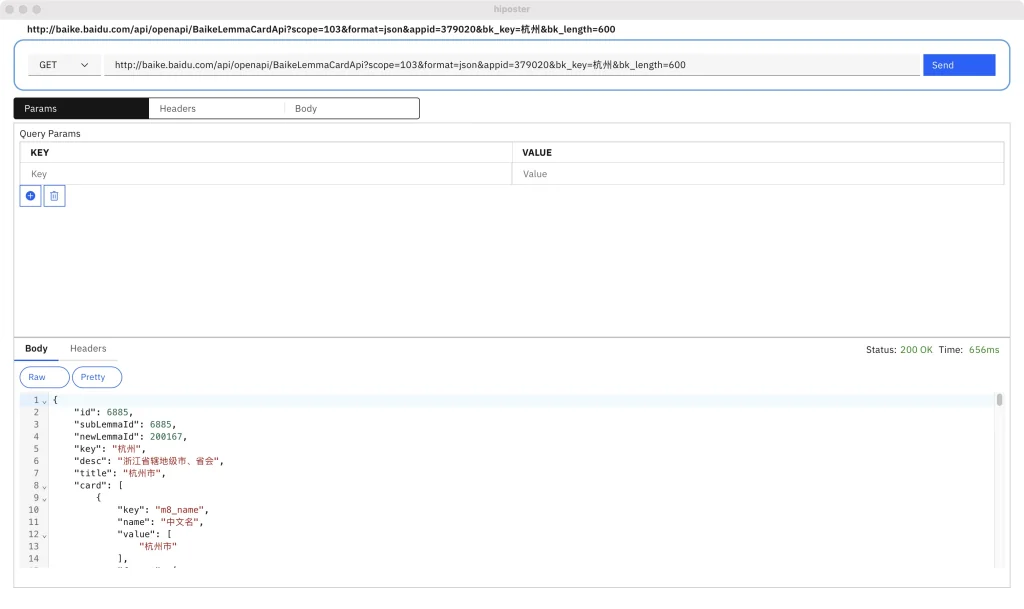 hiposter
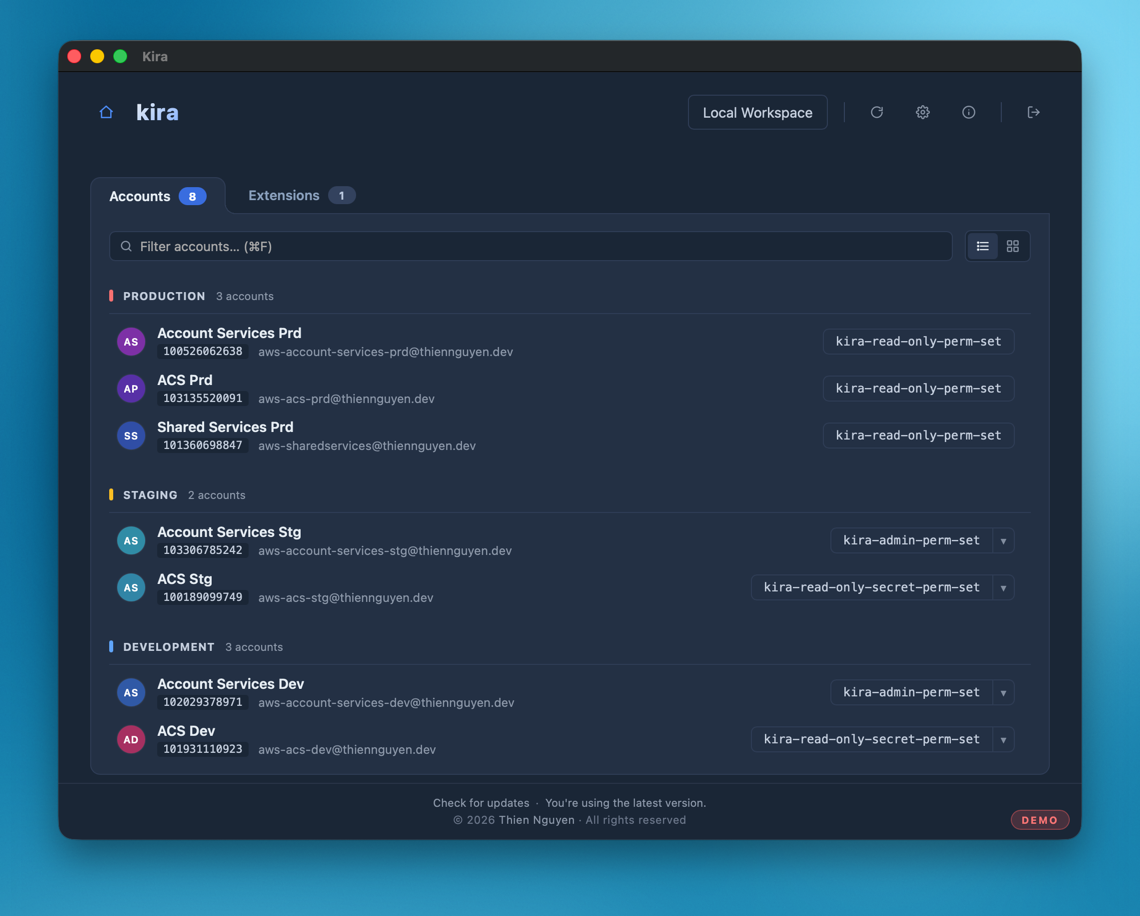 Kira
Kira
 LTools
 Mchat
Mchat
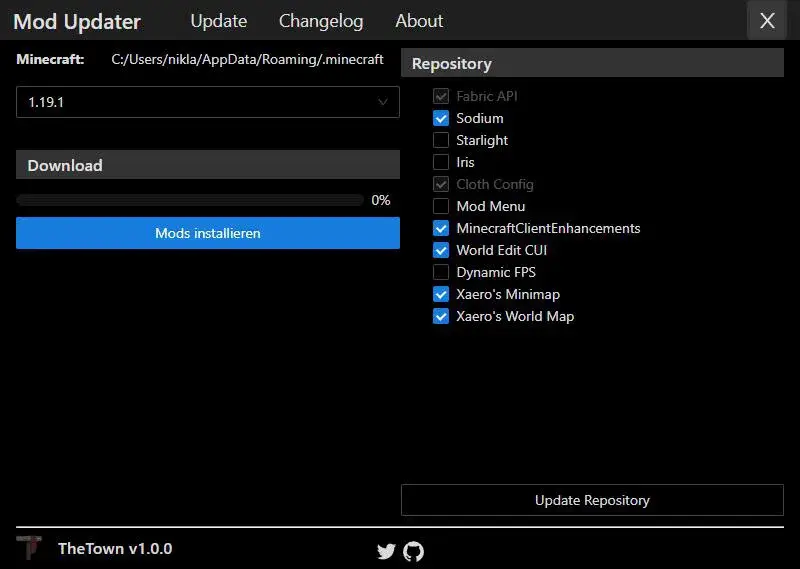 Minecraft Updater
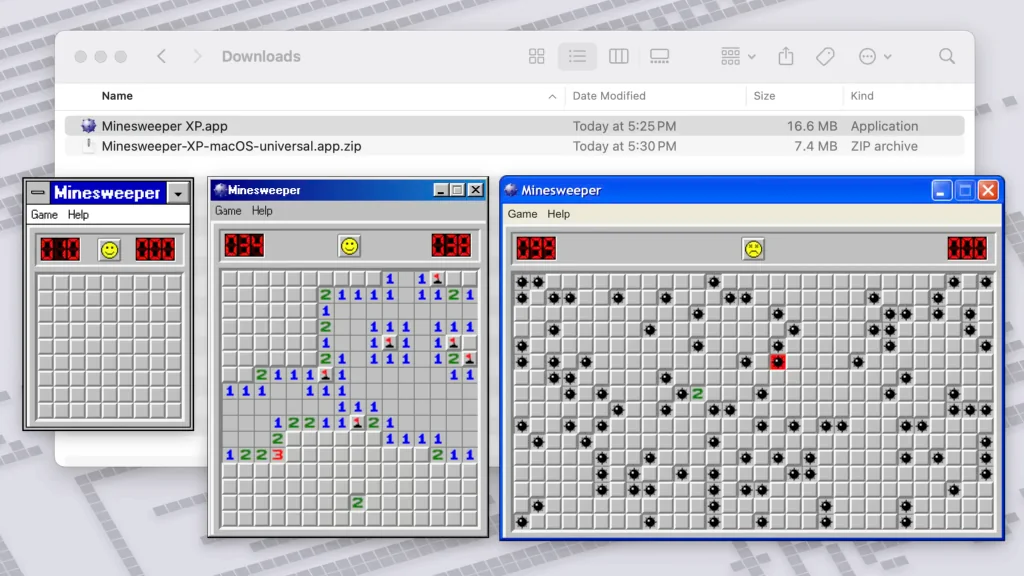 Minesweeper XP
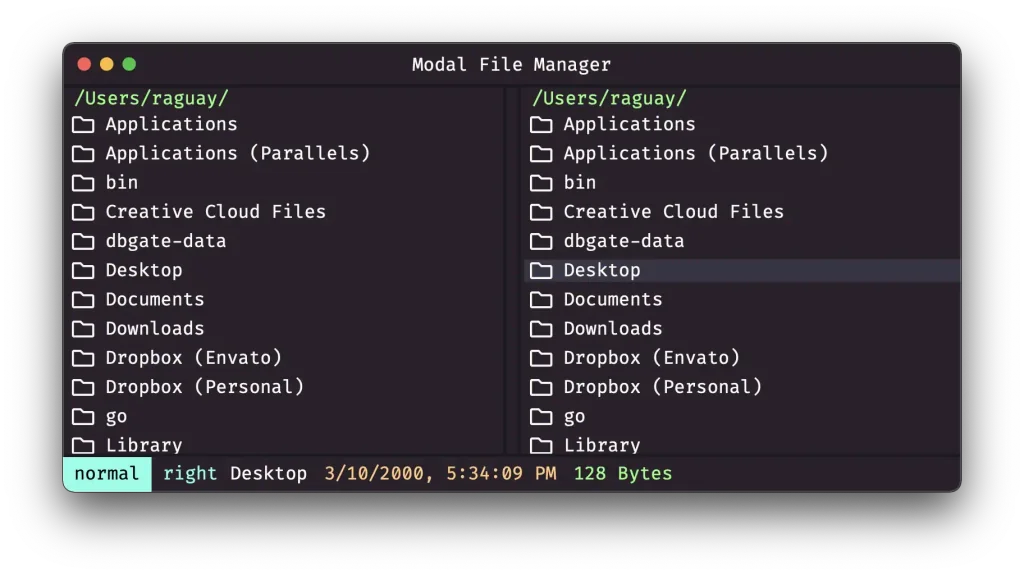 Modal File Manager
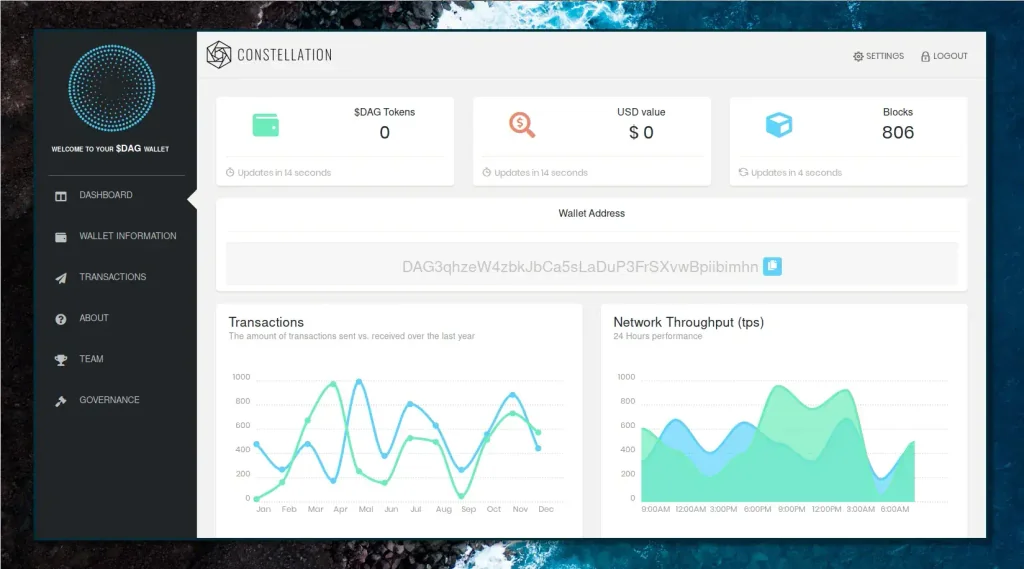 Molly Wallet
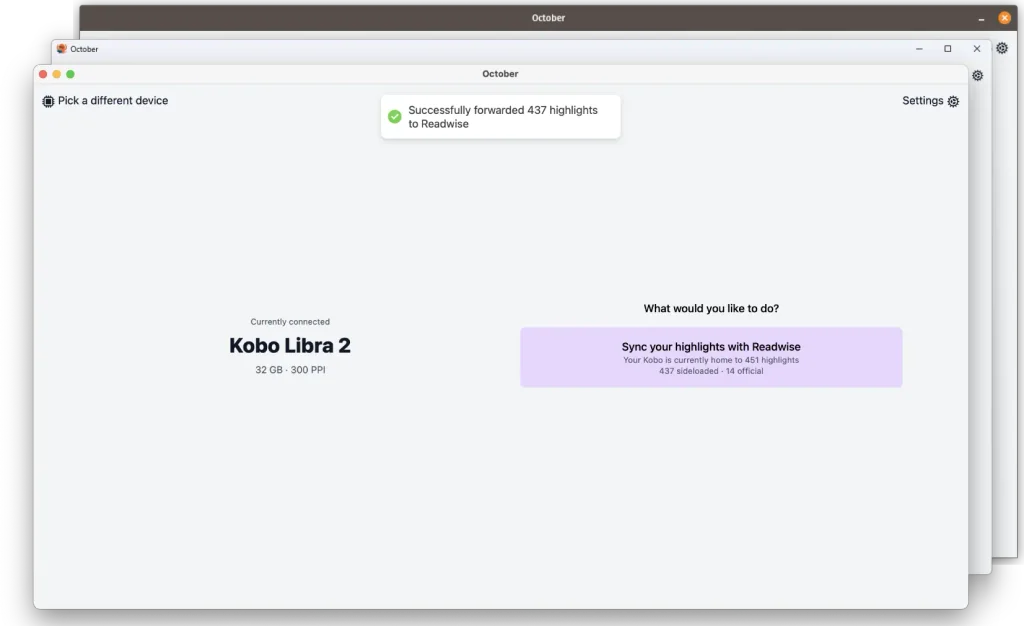 October
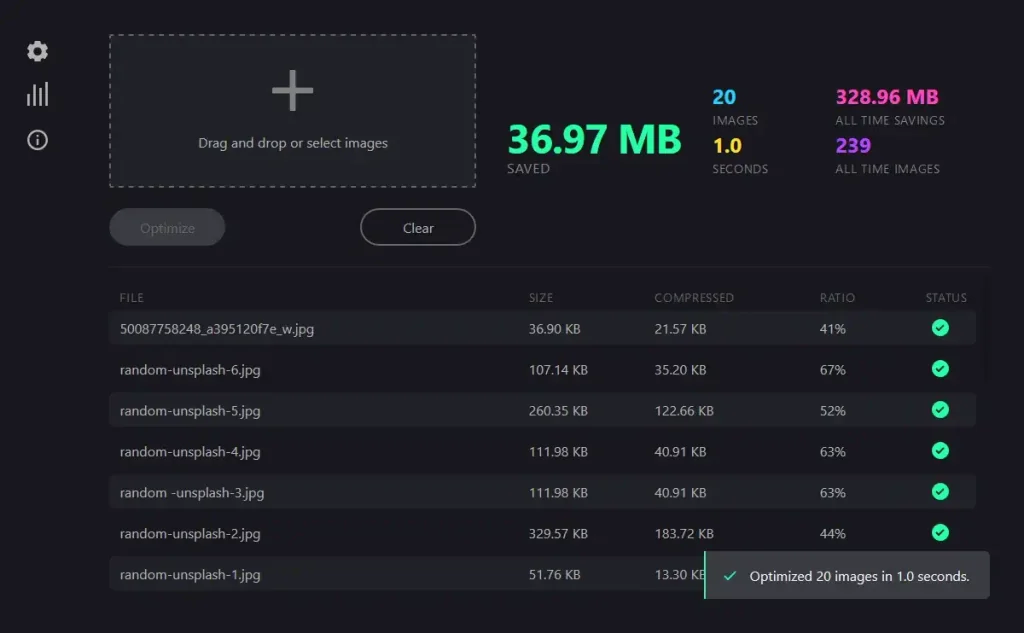 Optimus
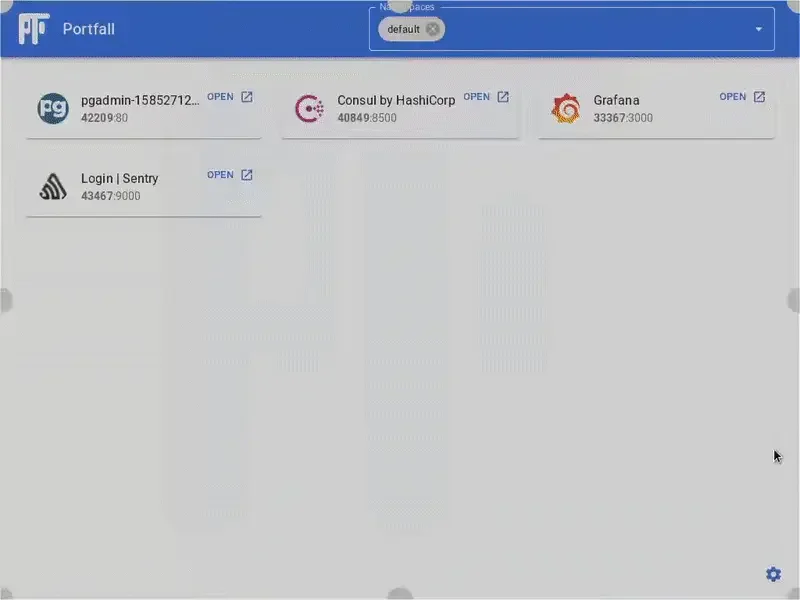 Portfall
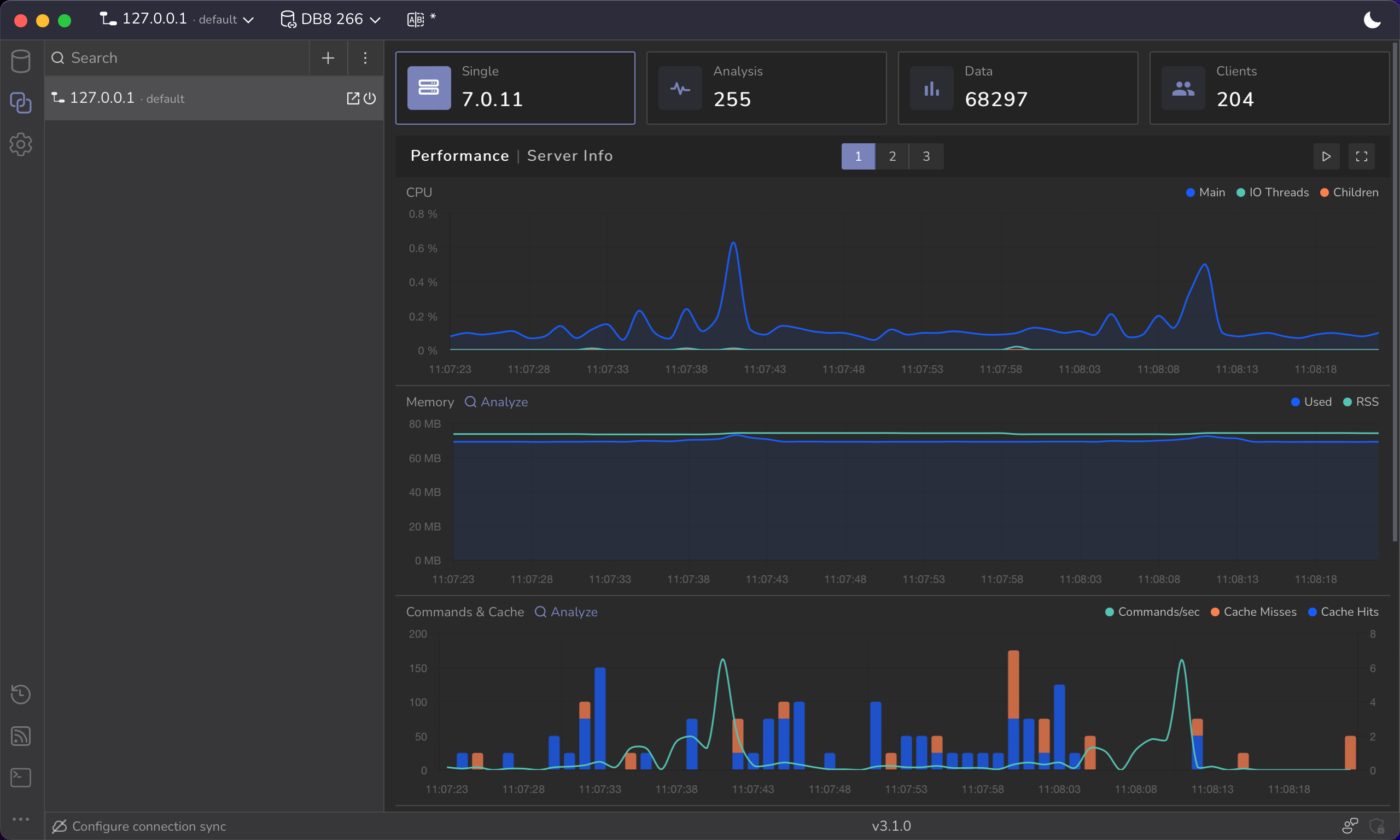 Redis Viewer
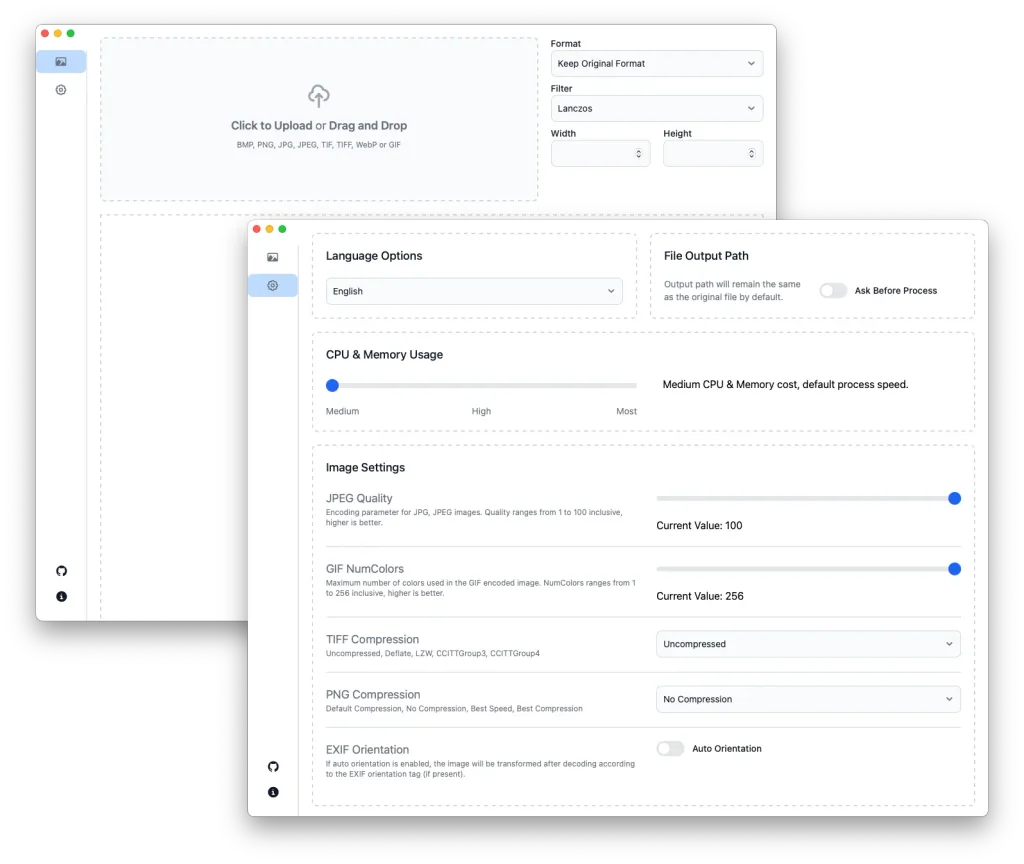 Resizem
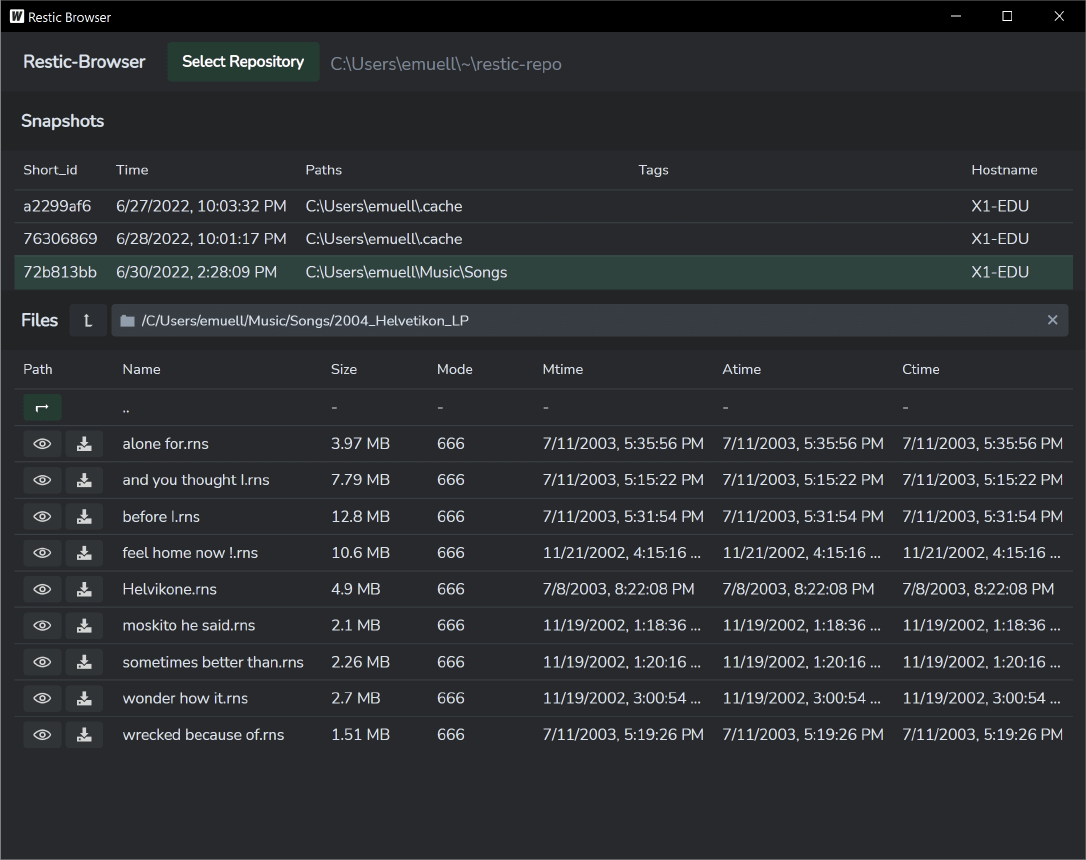 Restic Browser
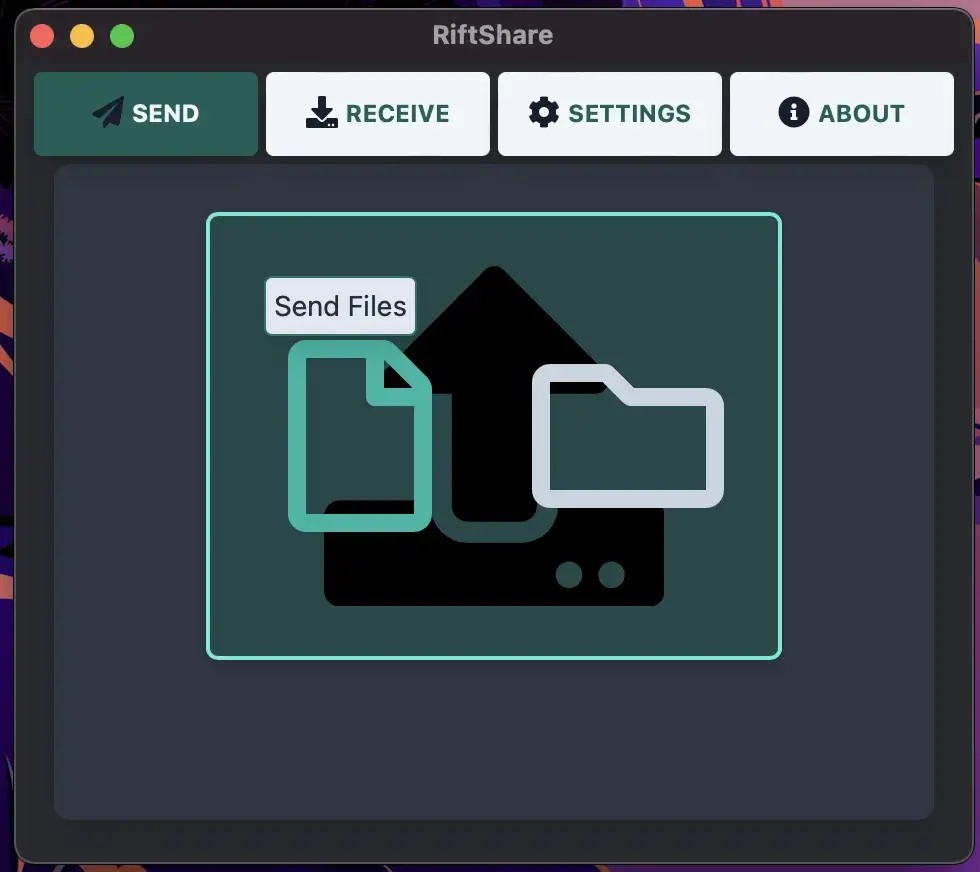 RiftShare
 ScriptBar
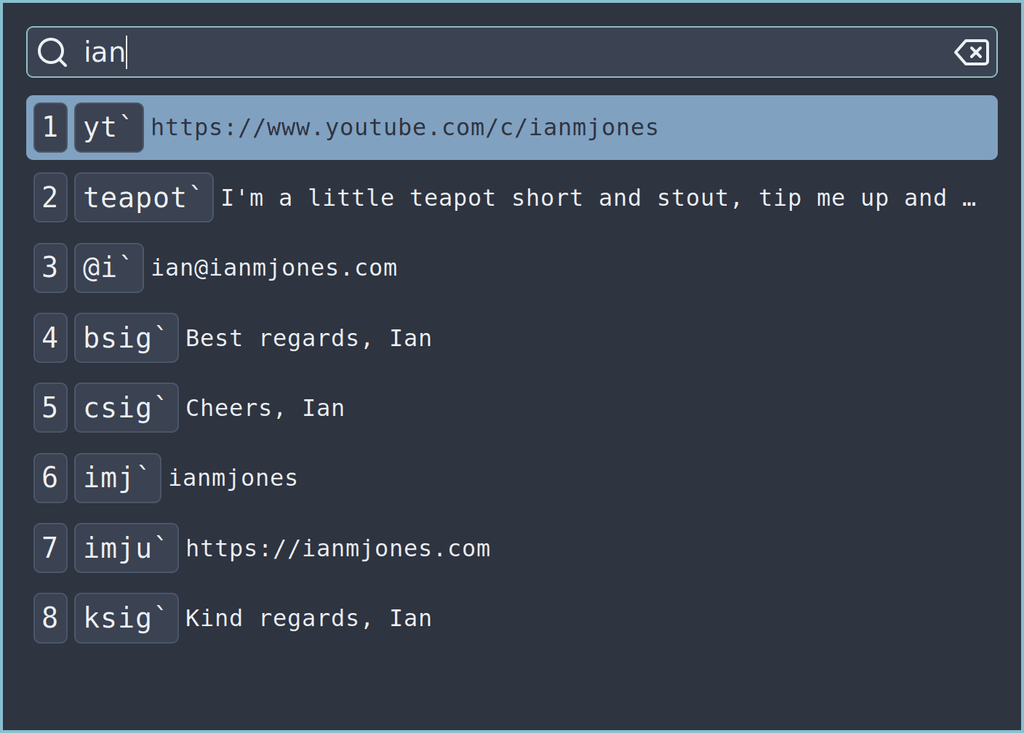 Snippet Expander
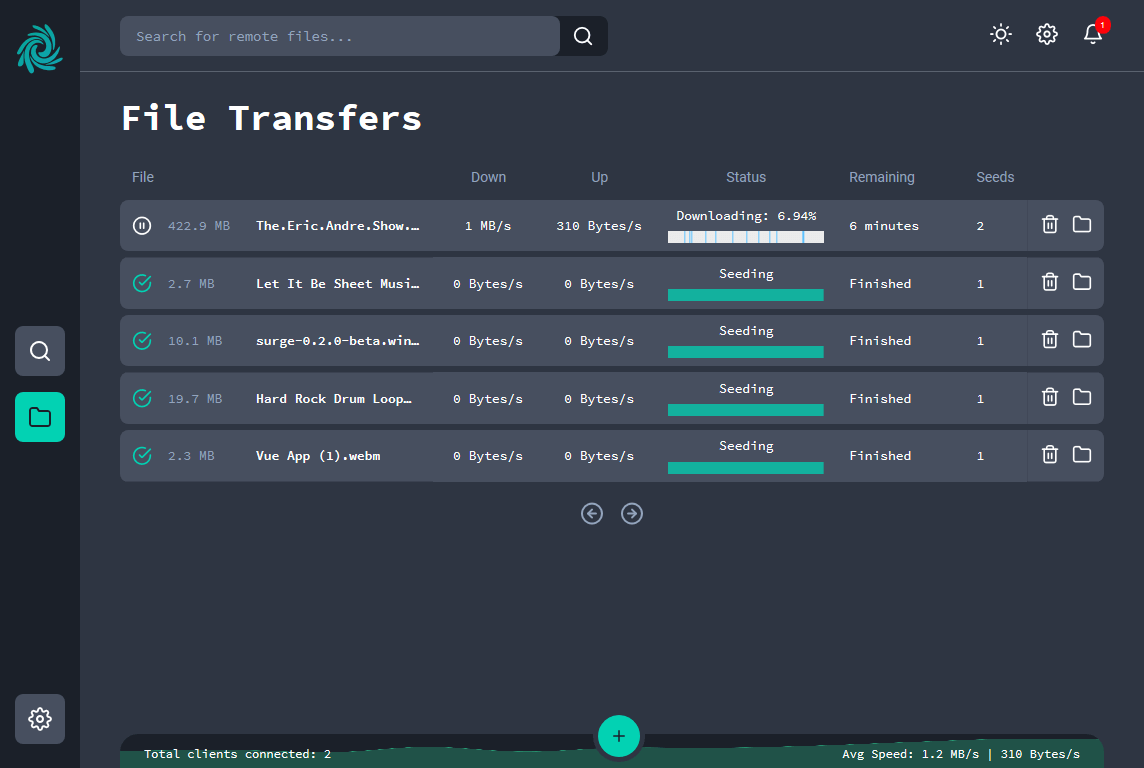 Surge
Surge
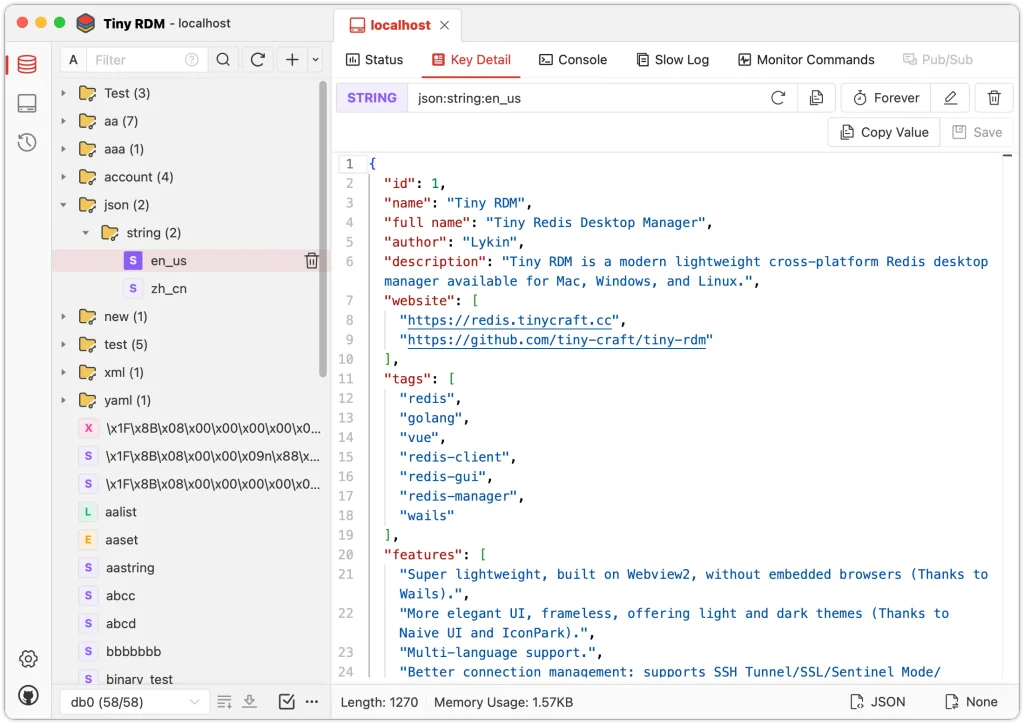 Tiny RDM
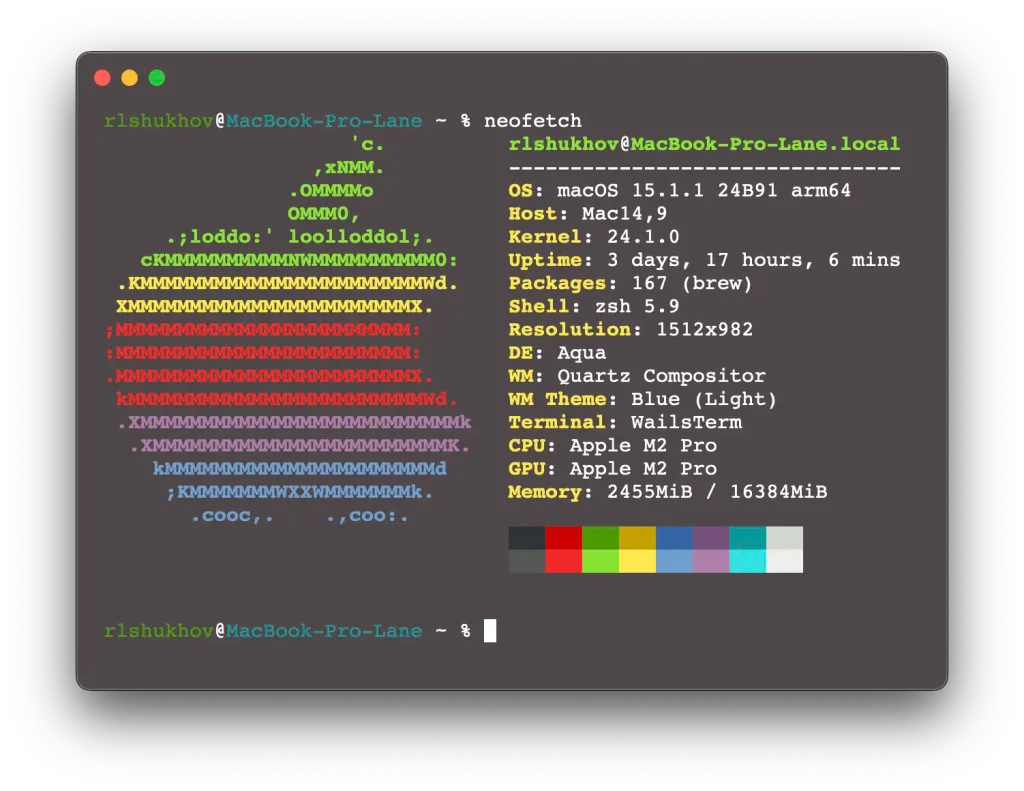 WailsTerm
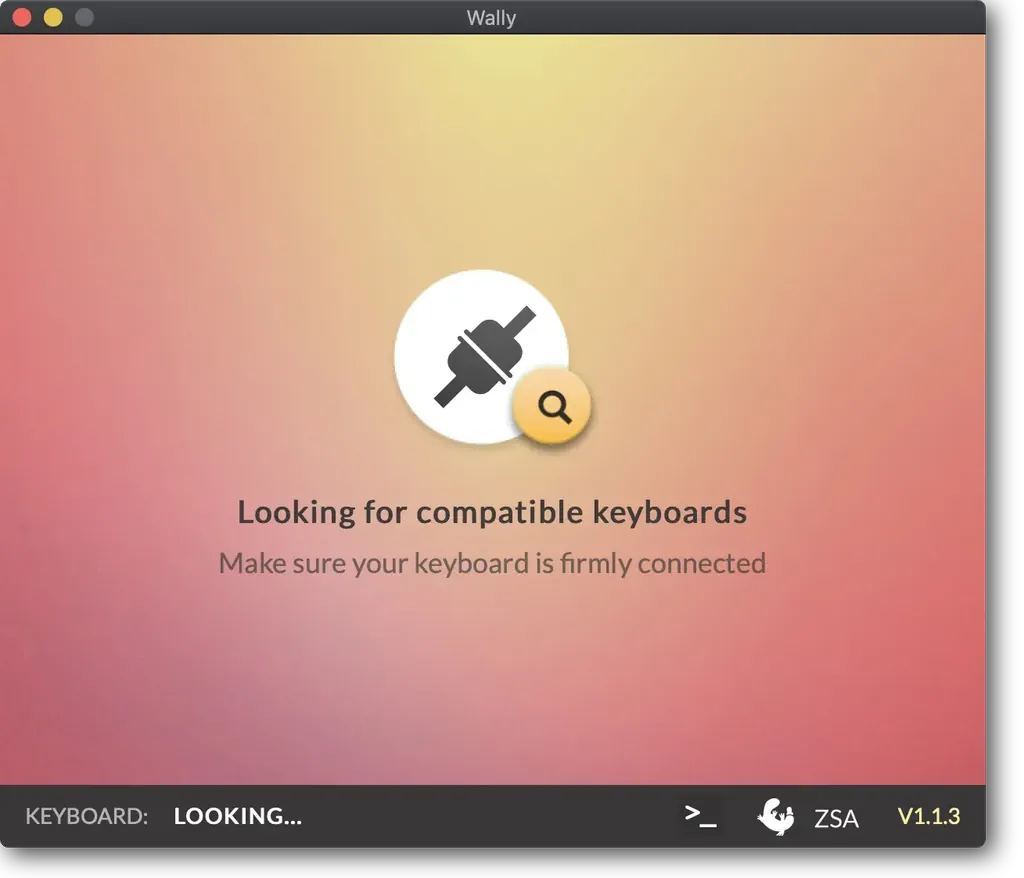 Wally
Wally
 WarMine
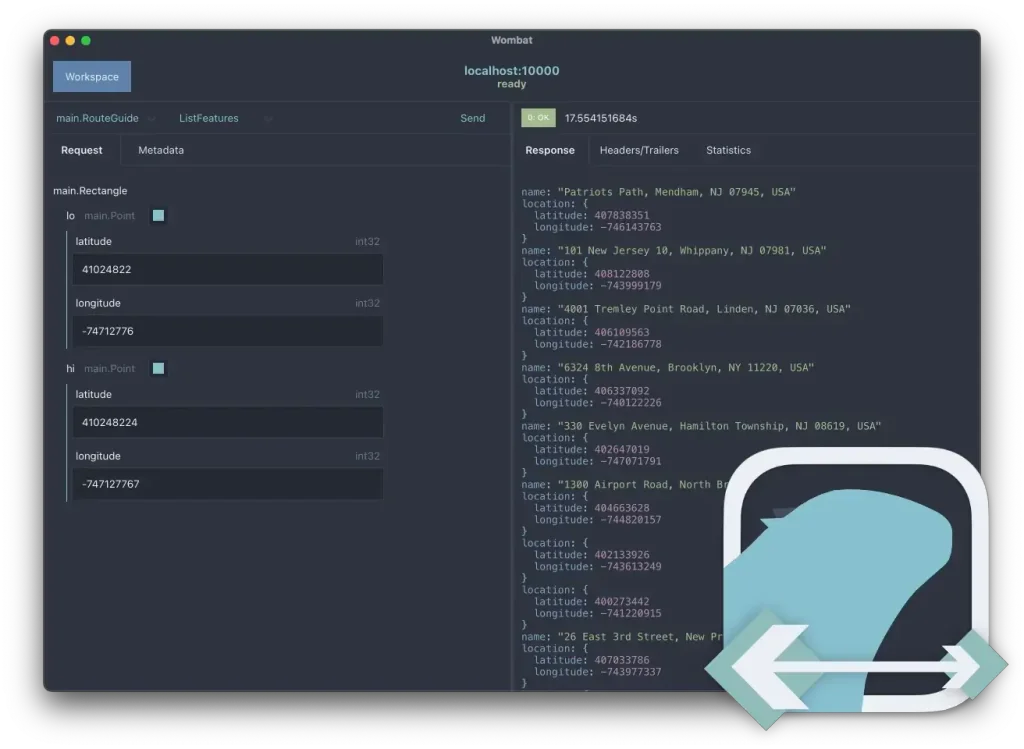 Wombat
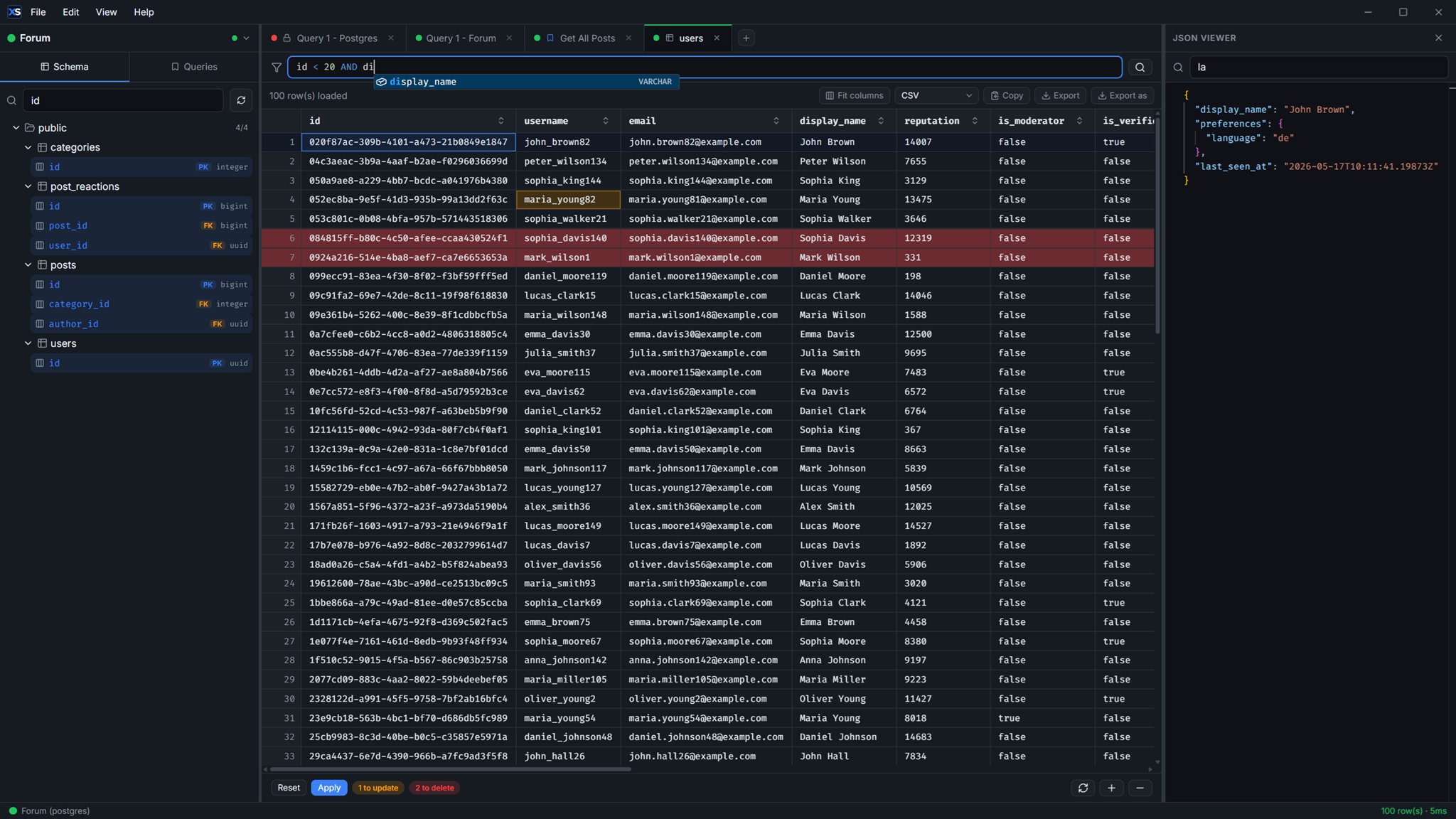 XenSQL
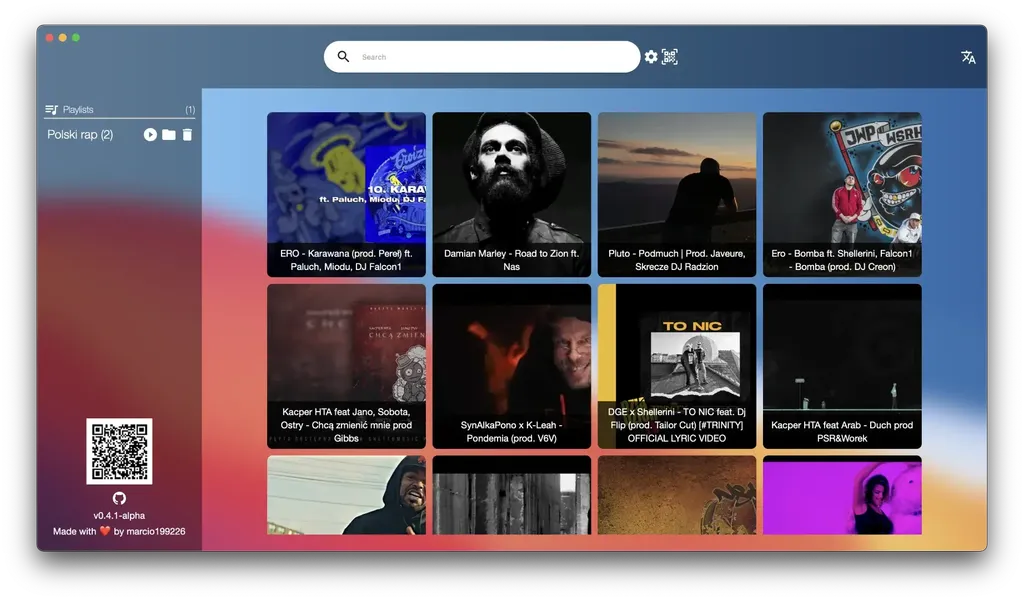 Ytd
Ytd
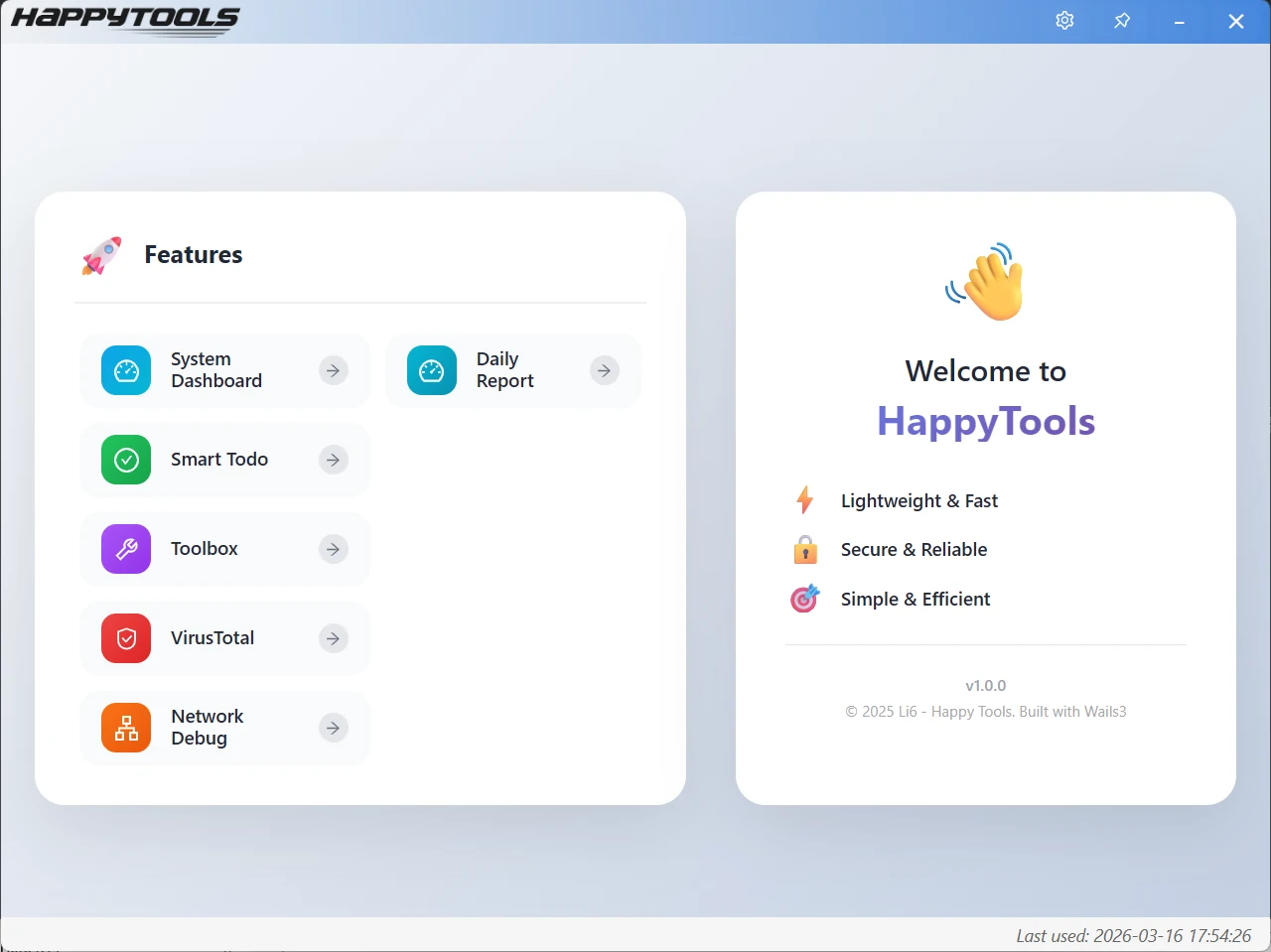 HappyTools
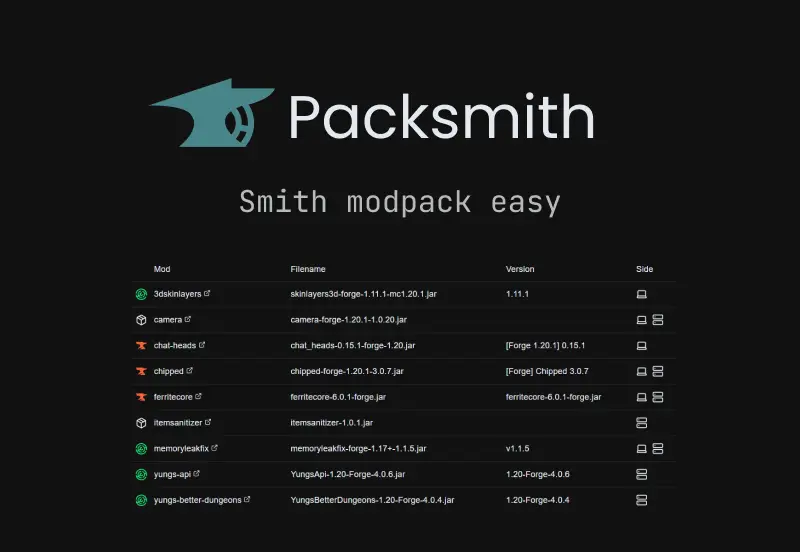 Packsmith
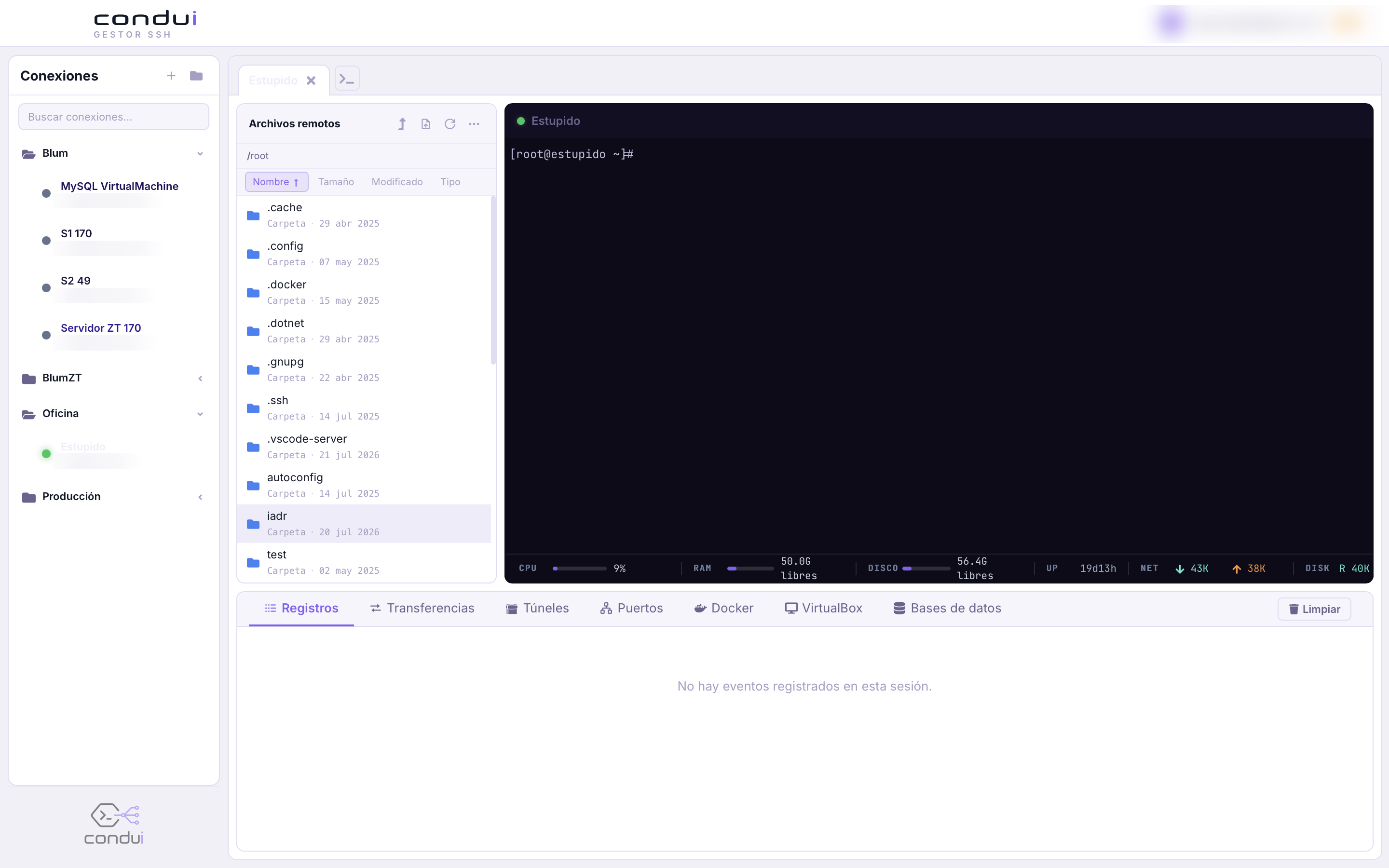 Condui
How to add my project in showcase
1
Make a fork of the repository.
2
Add the image(s) under `docs/src/assets/showcase-images` folder.
3
Make a copy of the `_template.md` file under
docs/src/content/docs/community/showcase folder.
4
Rename the copied file to the name of your project. (Name should not start
with _))
5
Update the title, image, link and content of the file.
6
Add it on the above list in
docs/src/content/docs/community/showcase/index.mdx.
7